Deltaplan 1.3.3 — launch and flight comfort
08.10.2026 · Download on itch.io
What’s included
Launch and flight
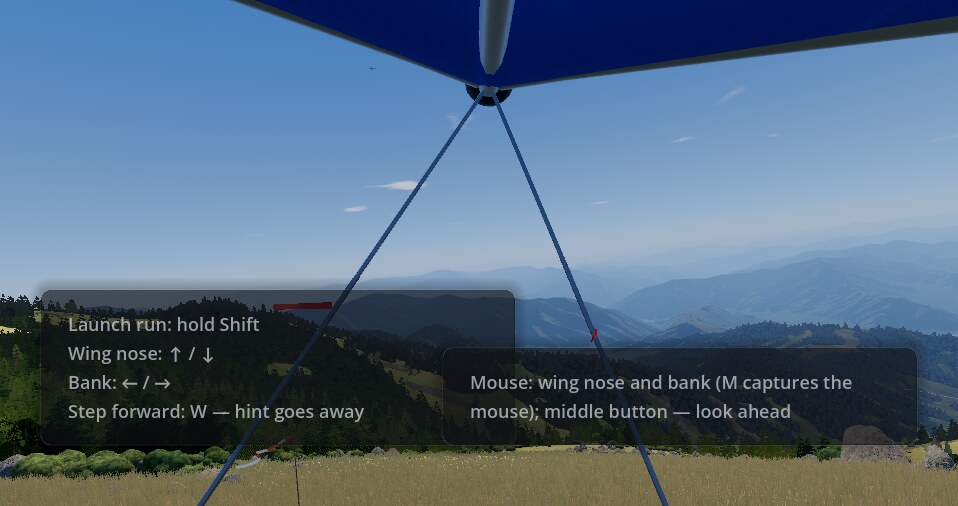
- At the start of every flight, while the pilot stands at the launch, a translucent controls hint: keys on the left, mouse on the right, the centre stays clear; the first W hides it.
- The camera you chose in flight (cockpit or behind) is remembered.
- F12 saves a screenshot to Pictures/Deltaplan. Free camera keys are listed on the Controls screen.
- Crash and retry: after touchdown any key opens the result at once, R starts a new flight at once. In the air R works only after holding it for about a second. The result of the old flight no longer pops up over the new one. After landing in single player: “Continue on foot” and “Back to launch” without resetting the day and clock.
- Pause: “Look around” — a free camera with the world stopped, then back to the flight from the same spot.
- “Wait an hour” at the launch in single player: time runs 60 times faster, sun, clouds and thermals change before your eyes; any key stops it.
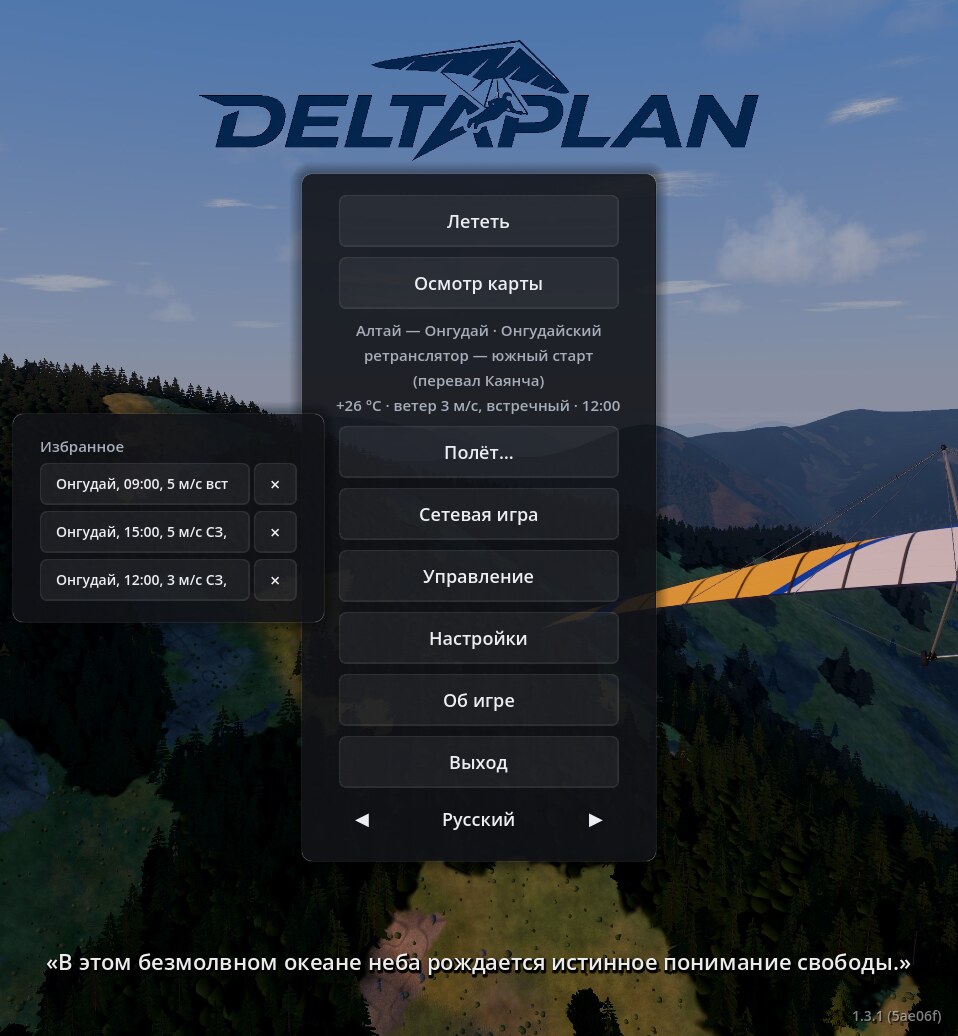
- Favourite conditions: “Add to favourites” on the Flight screen, up to 8 sets in the main menu — one click and you fly.
Display and menus
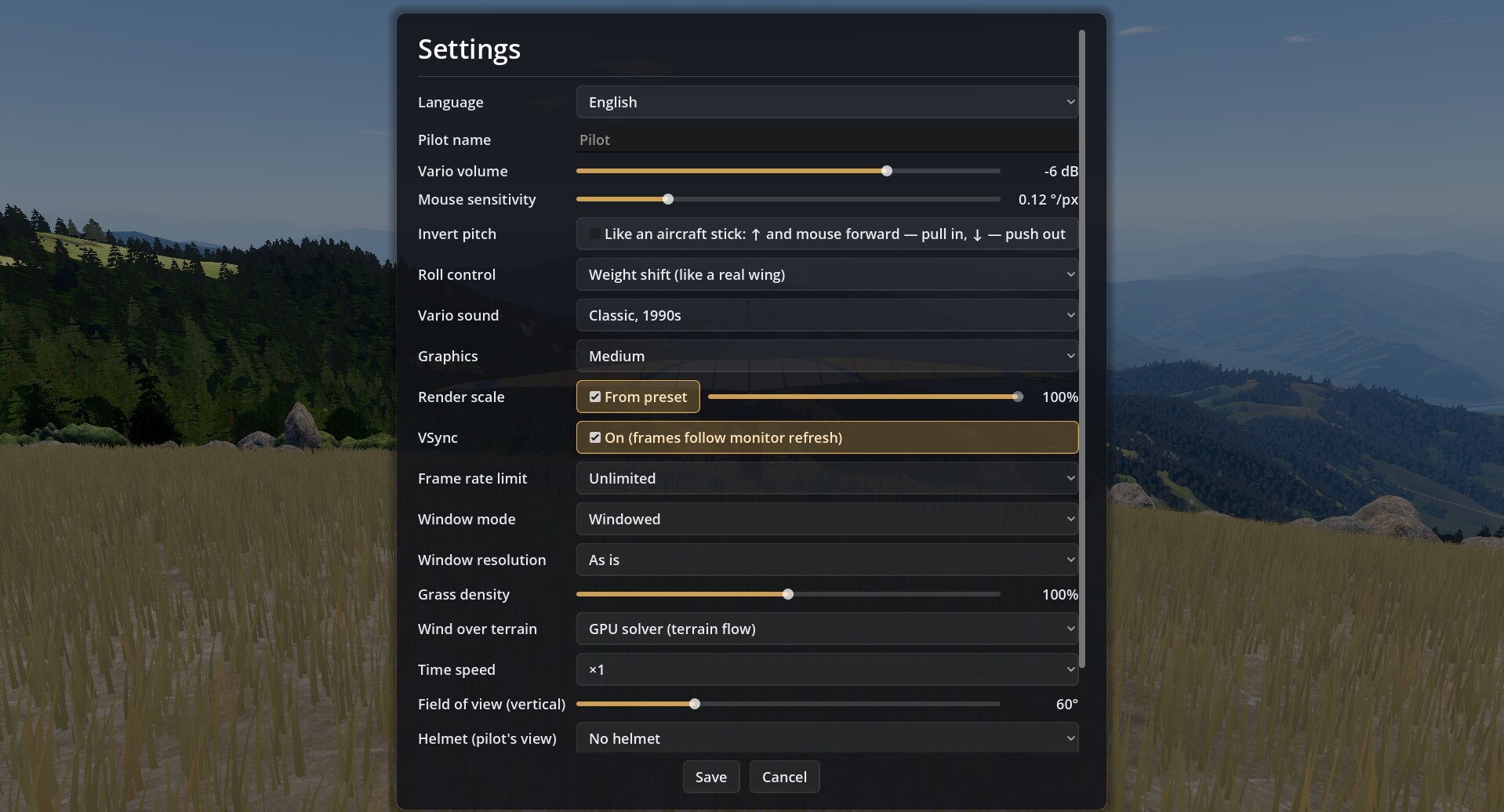
- Graphics settings: VSync (on by default), frame rate cap 30/60/120/144/unlimited (144 by default), window mode and resolution. The GPU no longer runs at 100 % for nothing.
- Settings, Flight and the main menu scroll on small windows; the buttons stay visible.
Sky and world
- Birds in thermals are visible from afar, birds of prey too, but no farther than the eye can resolve. New thermal signs: fluff rising with the updraft and swallows circling in it.
- An-2, airliners, an eagle in a thermal, hot-air balloons, cars on the roads and a group of hang gliders on a nearby slope show up in almost every flight when the place, weather and time of day allow.
Screenshots