Deltaplan 1.4.0 — a new cockpit view and faster graphics
09.10.2026 · Download on itch.io
What’s included
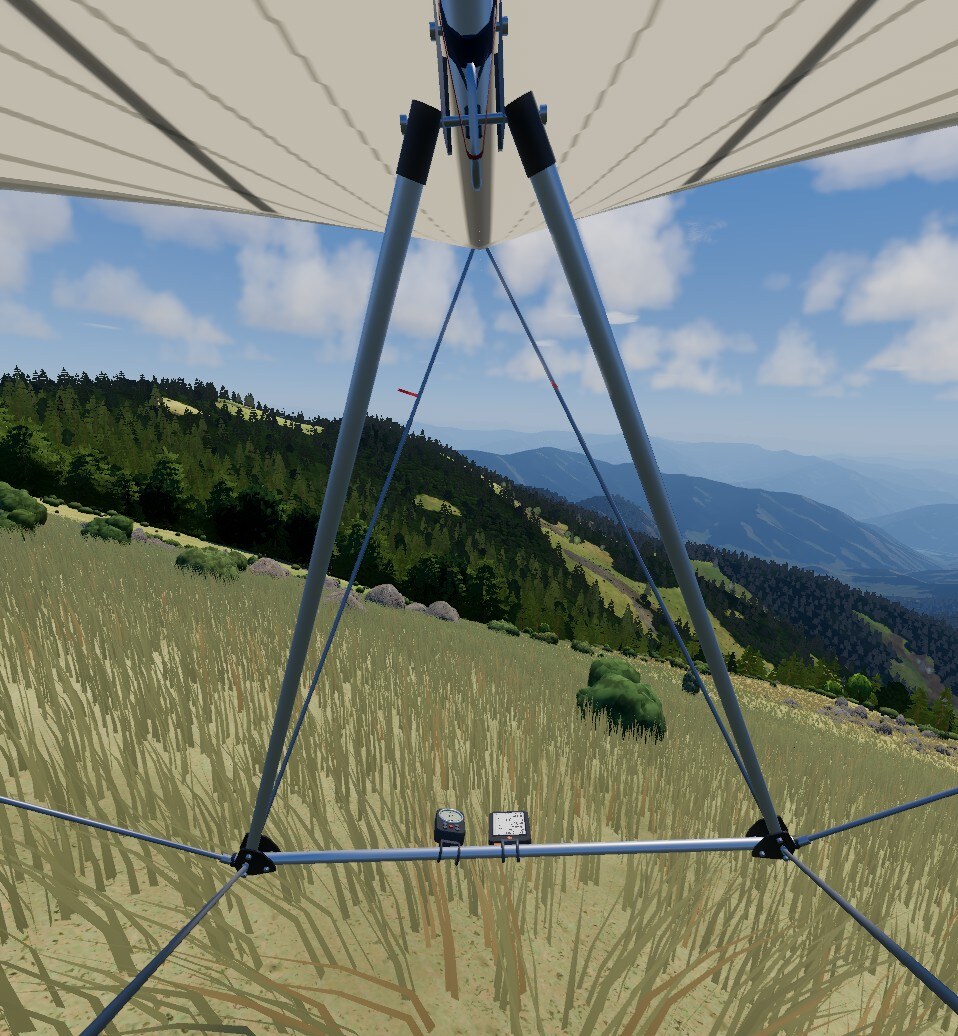
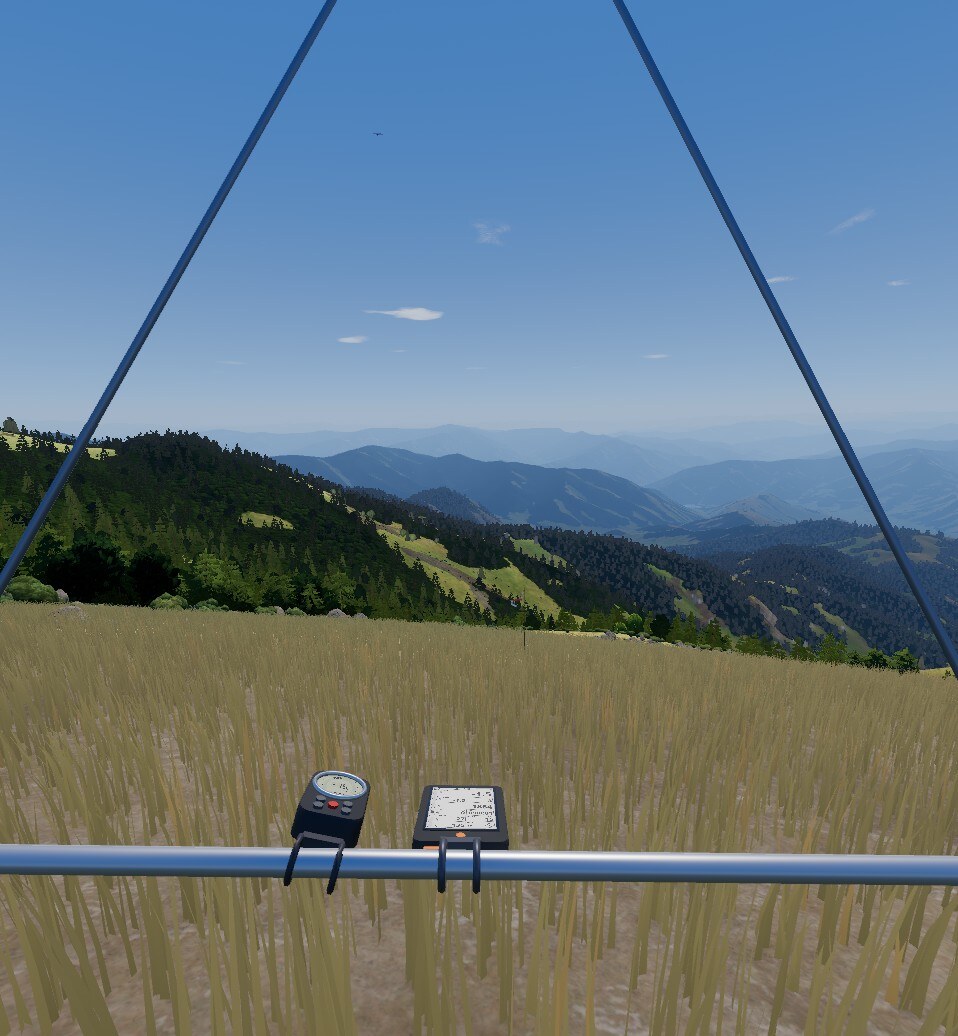
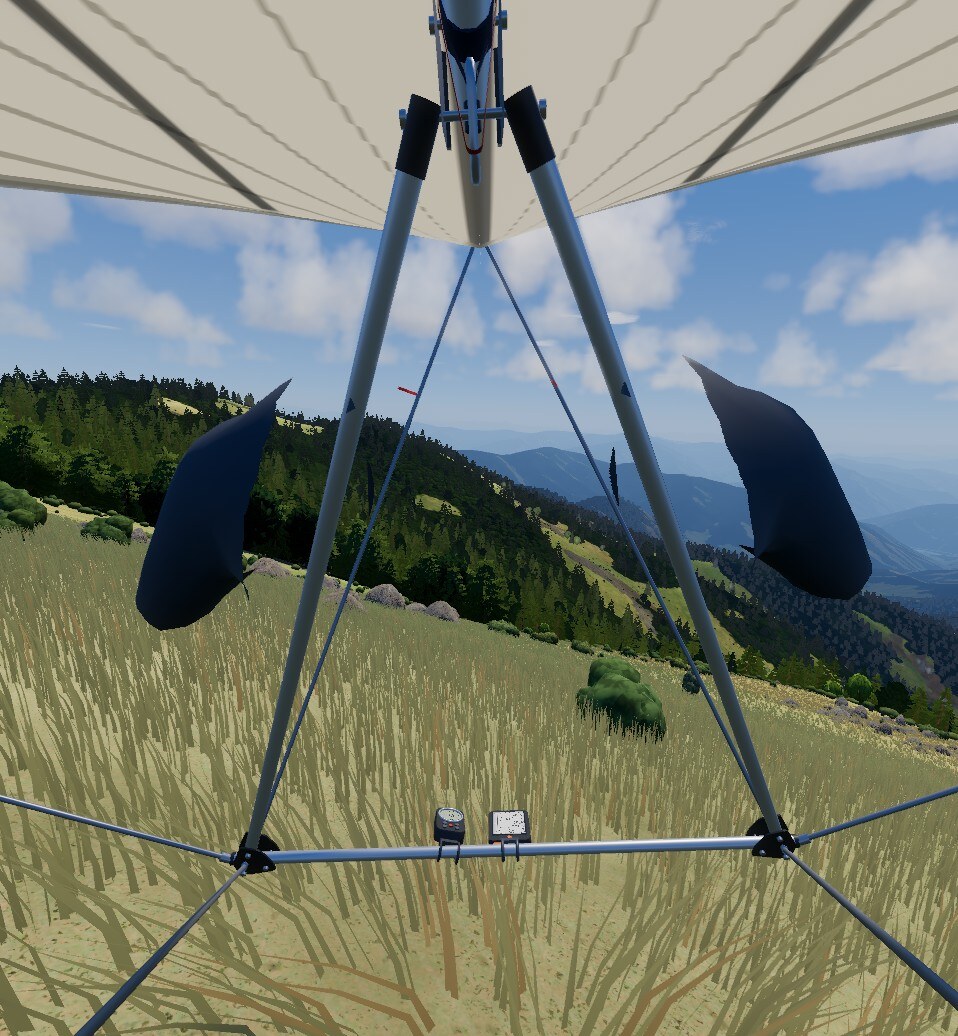
Control frame and cockpit view
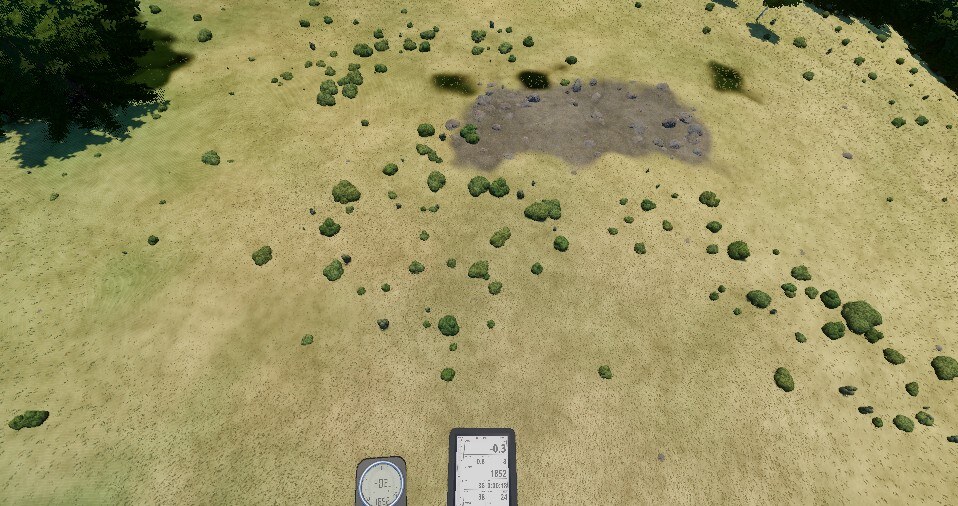
- The pilot hangs lower — 6 cm above the base bar on every glider (hang strap length fitted per glider, like a hang check).
- Cockpit view: by default the camera sits slightly behind the pilot with body and hands hidden, so the base bar with instruments, the nose wires and the horizon are in view. Settings → “Cockpit camera” also offers “behind, hands visible”, “eyes” and “between the shoulders”. Default field of view is 90°, looking 10° below the horizon.
- The flight deck and vario are back on the base bar instead of the left upright; the Q key (look at instrument) is gone.
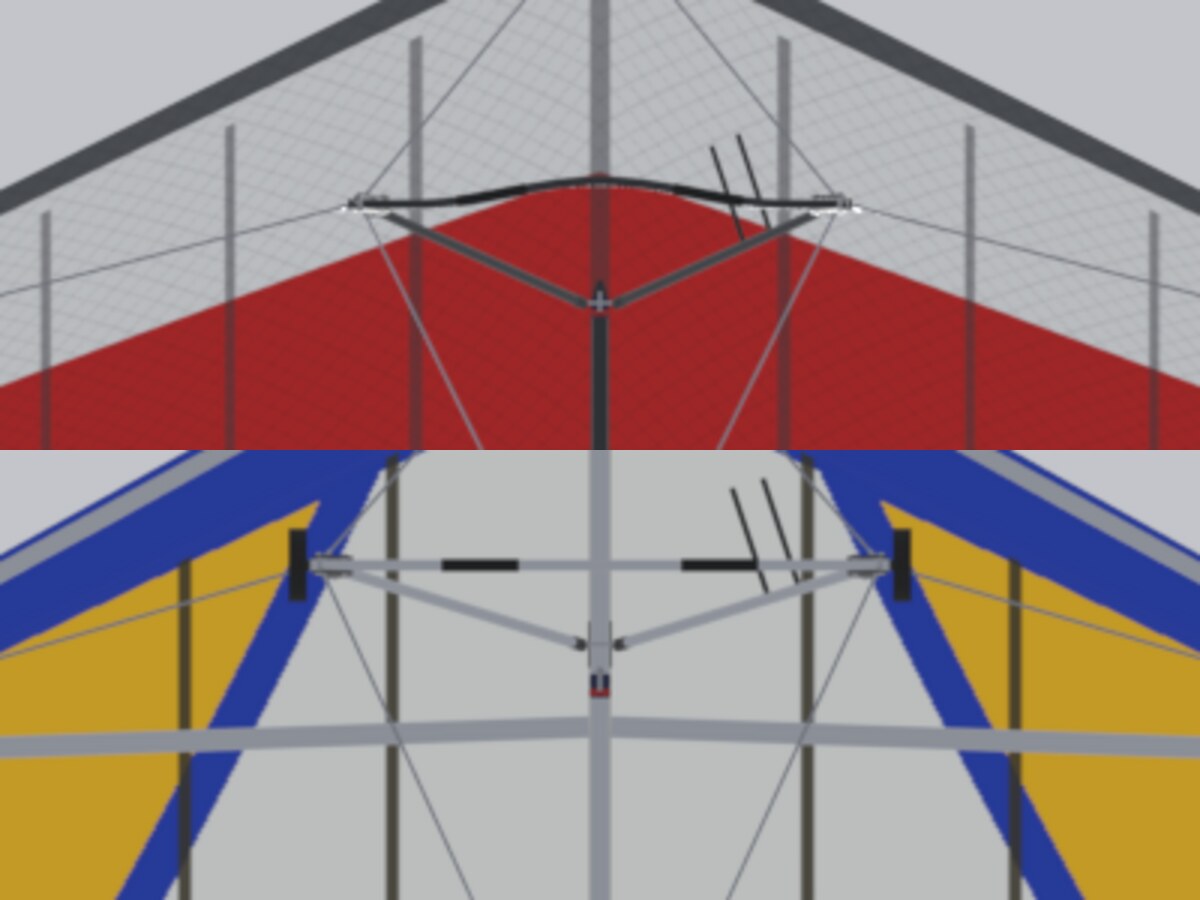
- The base bar curves forward at the centre on 37 of 48 gliders; it stays straight on training and older gliders (Alpha, Spectrum, Soviet gliders and others).
Controls
- X now returns the bar to neutral with one press and it stays there — the glider no longer banks again after you release it.
- New setting “Roll with mouse and arrows”: “body” (default: right moves your weight right, bank right) or “bar” (mouse right moves the bar right, your weight goes left — as with your hands on a real control frame).
Performance
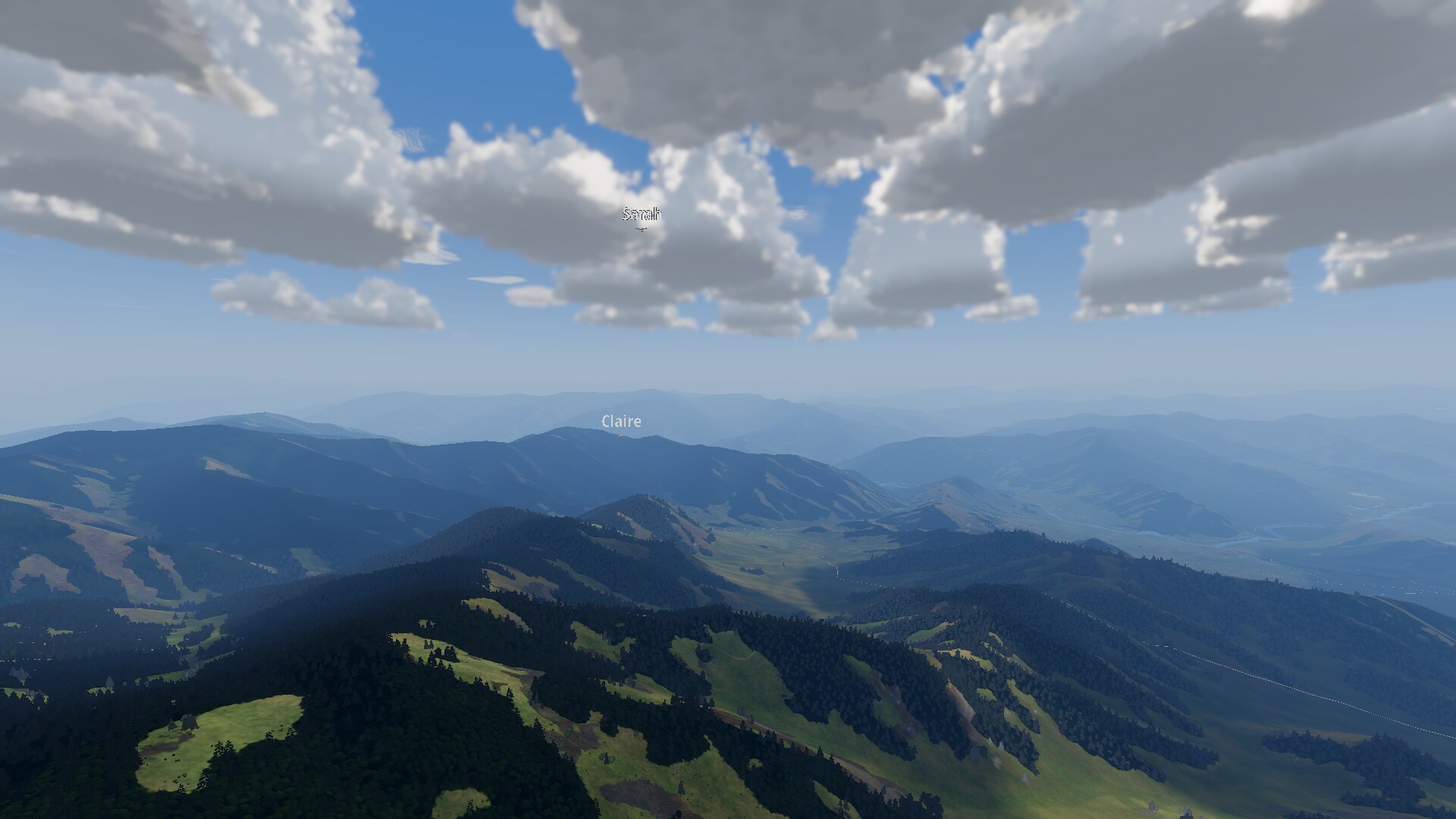
- Clouds are 3–10 times cheaper to render; frames are 6–7 times faster on High and 1.5–3 times faster on Medium.
- Grass far away is sparser and simpler — the density close by is unchanged.
- No more 2–3 second freezes in flight; the once-a-second stutter is mostly gone.
- On the first launch, integrated graphics (including Apple) start on Low quality.
Screenshots